
Long Receipt OCR: Do You Actually Need Image Stitching?
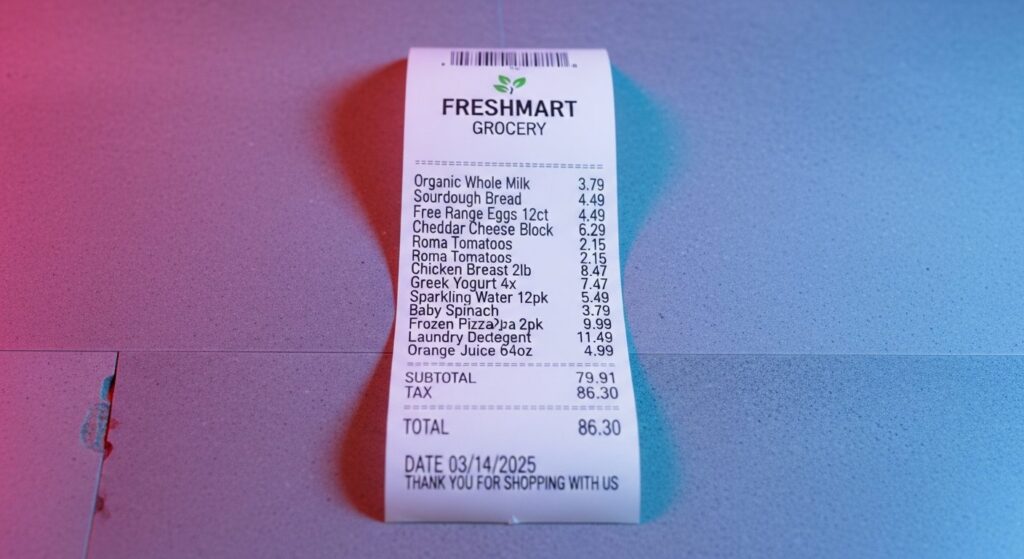
Most people assume a meter-long supermarket receipt needs special handling. Modern smartphone cameras have largely made that assumption wrong. Here is what actually works, and when stitching is worth the extra complexity.
- A single photo, taken from above with the receipt laid flat, gives Tabscanner enough resolution for accurate OCR even on receipts over a meter long.
- Multi-image stitching is available to Pro customers via the API and handles overlapping regions correctly, but Tabscanner considers it overkill for most use cases today.
- The practical advice is straightforward: try the single-image approach first. Stitching exists for edge cases where that is genuinely not enough.
Long receipt OCR is one of the questions that comes up most often from teams building expense or loyalty products. The assumption is almost always the same: a receipt too long to photograph in one frame must need something special, multiple images, stitching logic, some form of pre-processing pipeline. In most cases, that assumption is out of date. This post explains why, when stitching still earns its place, and what Tabscanner actually recommends.
Why long receipts feel like a special problem
A full supermarket shop can produce a receipt that is 60 centimetres long, sometimes more. Photographing the whole thing in a single frame, with enough resolution to read every item, sounds like an unreasonable ask. The instinct to break it into sections and reassemble them is reasonable, and for a long time it was the right call.
Older smartphone cameras, lower megapixel counts, smaller sensors, and slower autofocus meant that a wide shot of a long receipt produced an image where the smaller text, item names, prices, SKU codes, became genuinely unreadable at the edges or in lower-contrast regions. Splitting the receipt into two or three overlapping photographs and feeding each to an OCR engine made sense in that environment.
The underlying issue was never the receipt length. It was pixel density across the frame. Once that is resolved, the need for multi-image approaches largely disappears.
What modern smartphone cameras actually deliver
Flagship smartphones released in the last several years routinely capture images at 12 megapixels or more, with computational sharpening and HDR processing applied before the file is even written to storage. That is substantially more image data than OCR requires, even across a large frame.
Tabscanner's internal testing confirms this directly. Receipts over a meter in length, laid flat on a level surface and photographed from directly above with a current-generation smartphone, produce images where every line item, every price, and every tax detail is legible at sufficient resolution for the engine to return high-confidence results. The wide shot contains more than enough information. The practical constraint on accuracy is almost always image quality factors such as angle, shadow, focus, and lighting rather than the raw dimensions of the receipt.
Multi-image stitching: what it is and how it works in Tabscanner
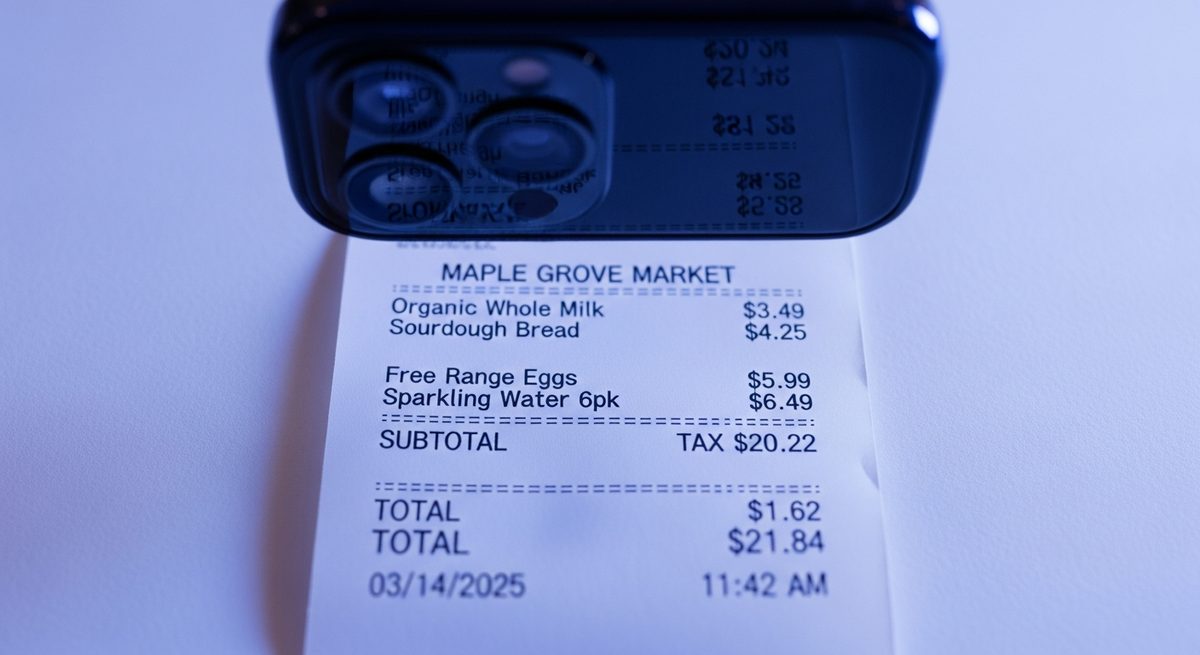
Tabscanner does offer multi-image stitching, available to Pro plan customers via the API. You can submit up to three images of the same receipt in a single API call. The engine processes all three concurrently, handles overlapping regions between images, and returns one consolidated, structured result as if a single receipt had been submitted.
The overlap handling is deliberate. If two adjacent photos share a section of the receipt, the engine reconciles the duplicate region rather than doubling the line items or producing conflicting totals. The output is a single clean JSON object with the same field structure as any other Tabscanner response: merchant, date, line items, tax, and total, each with a confidence score.
It works correctly. The concern is not accuracy but necessity.
Why Tabscanner generally advises against stitching
Adding images to a submission adds complexity without, in most cases, adding accuracy. A multi-image workflow requires the capture UI to guide a user through photographing multiple sections in sequence, with enough overlap between each frame to allow reconciliation. That is friction that lands directly on the end user, more steps, more chances for a blurry or misaligned photo, more surface area for something to go wrong.
On the back end, processing three images against one means more calls, more data transfer, and more potential points of failure than a single clean upload. If a single photo achieves the same accuracy at a fraction of that complexity, the stitching path is not the right default.
The honest answer is that stitching as a technique made sense before the hardware caught up. It is still available because there are genuine edge cases, very old devices, controlled environments with specific constraints, some institutional scanning setups, where multi-image capture remains the better option. But for a developer building an expense app or a loyalty product today, the single-image path is the right starting point.
When stitching is still the right call
There are a small number of situations where multi-image upload genuinely earns its place. If your user base skews toward older hardware, devices with lower-resolution cameras or no computational photography pipeline, a wide shot of a long receipt may not deliver enough pixel density across the full frame. In that case, multiple closer photographs with deliberate overlap give the engine more raw information to work with.
Some institutional or enterprise scanning setups, flatbed scanners capturing large documents in sections, or fixed-camera rigs in retail environments, also produce multi-image inputs by design. Stitching support means Tabscanner fits into those pipelines without requiring upstream changes.
The decision rule is straightforward. If you control the capture device and it is a current-generation smartphone, start with a single image. If accuracy on long receipts is below your threshold after testing, and image quality factors have already been ruled out, then multi-image submission is the next option to evaluate.
What this means for your integration
If you are building a product that handles long supermarket receipts, the practical takeaway is to resist over-engineering the capture step. A well-lit, flat, overhead photo is the highest-leverage thing you can do for OCR accuracy, ahead of any pipeline complexity on the back end. The guidance to give end users is simple: lay it flat, step back, shoot from above.
Capture guidance in your UI, a brief overlay or prompt before the user opens the camera, reliably improves accuracy more than any server-side workaround for a poor photo. The research on this is consistent: input quality is the dominant variable in OCR performance, and the single-image approach, done correctly, gives Tabscanner everything it needs.
If your use case does turn out to need multi-image support, it is available on the Pro plan and the API accepts up to three images per submission. The documentation at docs.tabscanner.com covers the multi-image endpoint and the expected response format.
The multi-image API endpoint and request format are documented in full at the Tabscanner developer docs. Read the API docs →
Single image vs. multi-image: the trade-off at a glance
Single image
Capture complexity
One photo, one step
API calls
One submission
Best suited to
Modern smartphones, any receipt length
Tabscanner recommendation
Start here
Multi-image (stitching)
Capture complexity
Up to three overlapping photos
API calls
One call, concurrent processing
Best suited to
Older devices, institutional scanners
Tabscanner recommendation
Available on Pro, use when needed
In most integrations built on modern smartphones, the single-image path is simpler and equally accurate.
Capture guidance in your UI reliably improves accuracy more than any server-side workaround for a poor photo. Input quality is the dominant variable in OCR performance.
The right setup depends on your capture environment, your user base, and the accuracy threshold your product needs. Get in touch and we can work through it with you.

Get in touch to see how we can boost your accuracy
Tell us what you are building and we will show you how Tabscanner's receipt OCR handles your receipts and your accuracy targets.
Get in touch →